Step by Step
How To Use Your
Smart Business Card
App
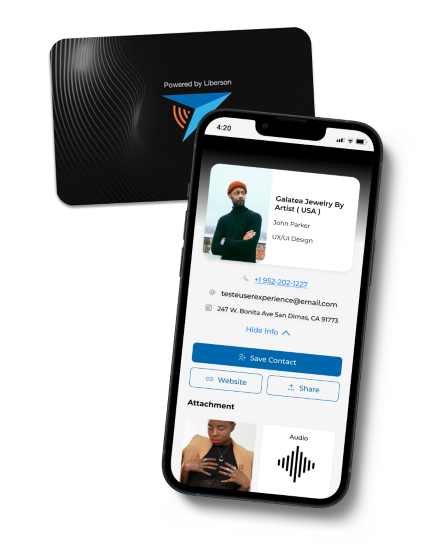
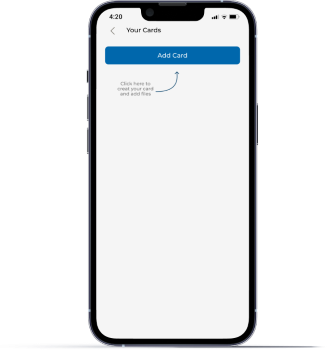
The first screen of the app after the login is "Your Cards", here will be the place you will check the cards you created and add more if you want to.
If you are using the app for the first time the only action you need is to click on "Add Cards" to creat your first card.
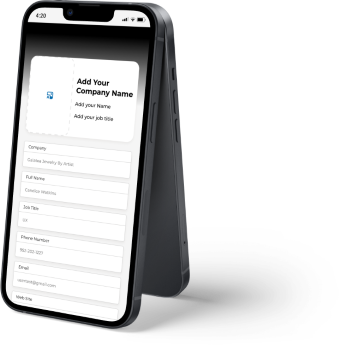
When you open your card for the first time you can add all your contact info such as: number, email, address, website, name, profile picture, company and your job title.
You also can give a name to your card, to make easier for you to find it later.
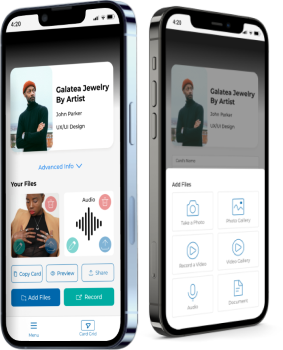
On this step you can put all your files you want to share with your clients and colleges.
You can add Images, video presentations, PDFs, Audios and Documents.
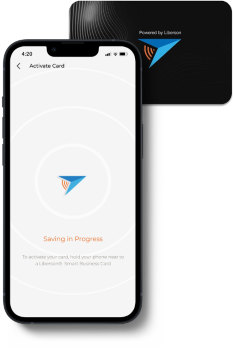
For you to start use your Smart Business Card, you only need to get one of yours smart cards and touch the back of the phone, where is close to the camera, to record your first Smart Business Card.